 CleanMate
Smart Scan
System junk, developer junk and app caches in one scan: Xcode and Android Studio leftovers, npm, Yarn, pnpm, Bun, Cargo, Gradle, Docker, Homebrew or APT and dozens more. When a tool has its own cleanup command, CleanMate uses it.
Free and open source · macOS and Ubuntu
CleanMate finds caches, old logs, developer and AI-tool clutter and leftovers of removed apps, then shows you exactly what it would remove. Nothing goes until you confirm.
MIT license. No account, no ads, no tracking.
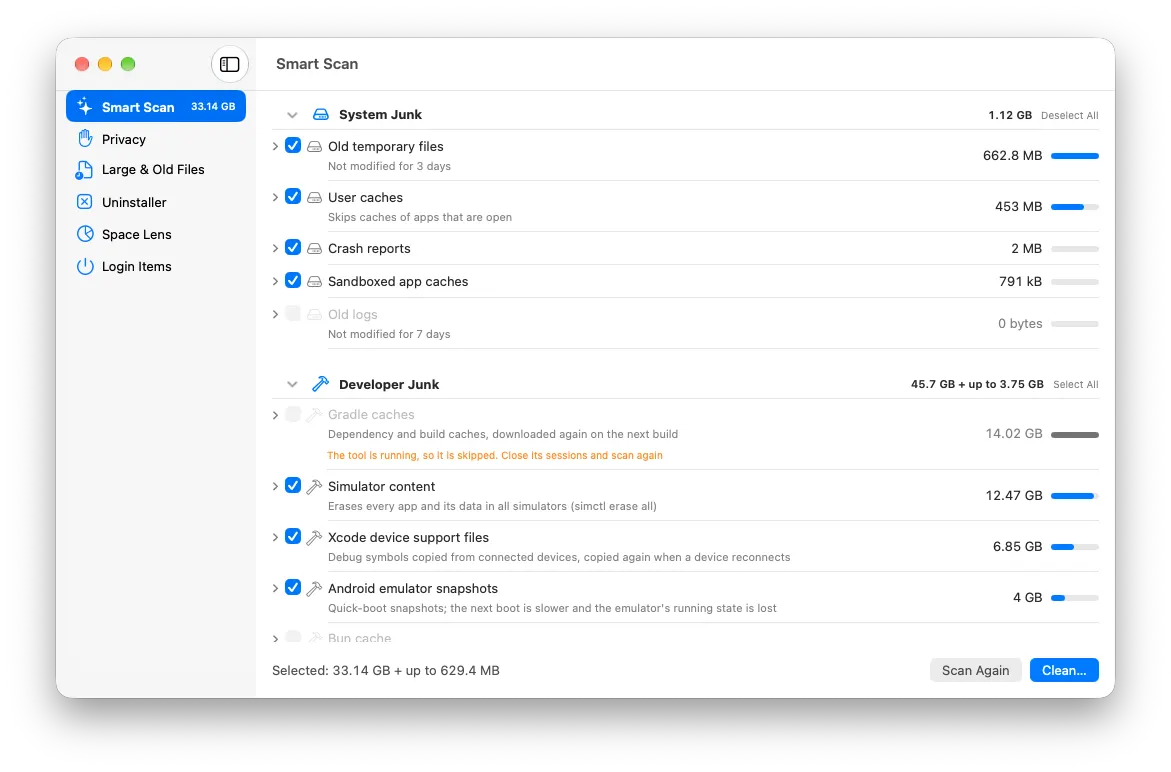
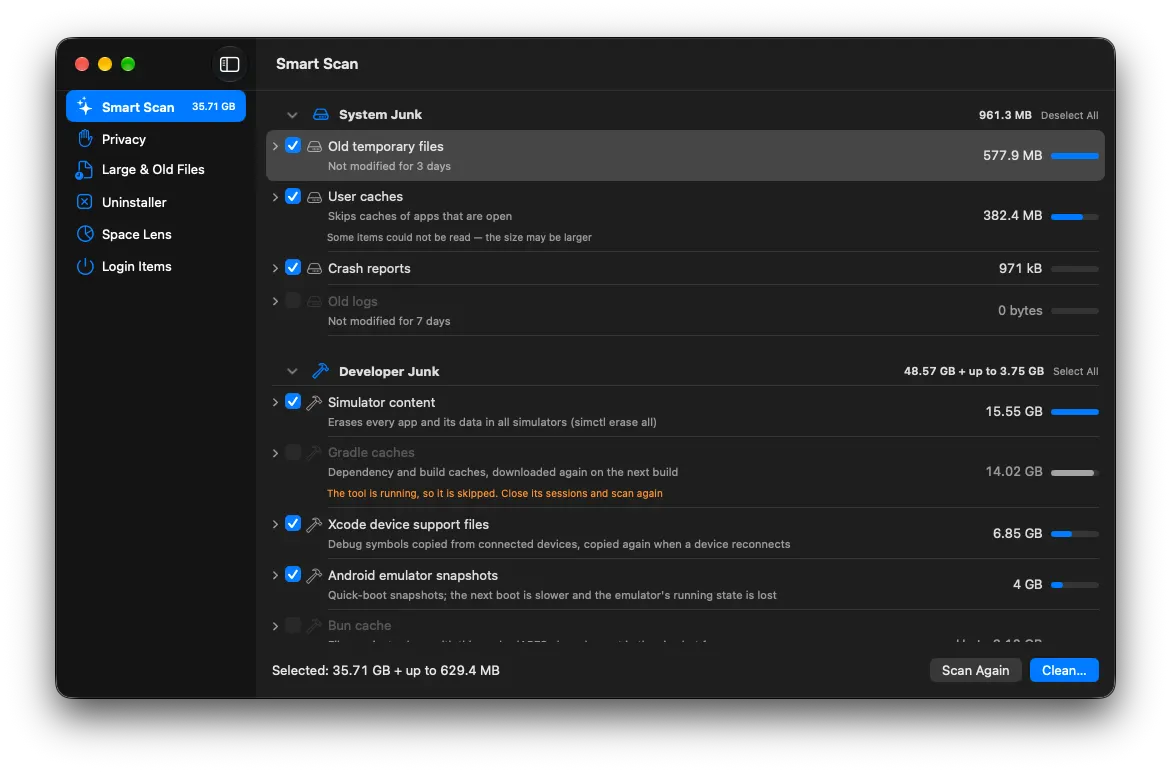
System junk, developer junk and app caches in one scan: Xcode and Android Studio leftovers, npm, Yarn, pnpm, Bun, Cargo, Gradle, Docker, Homebrew or APT and dozens more. When a tool has its own cleanup command, CleanMate uses it.
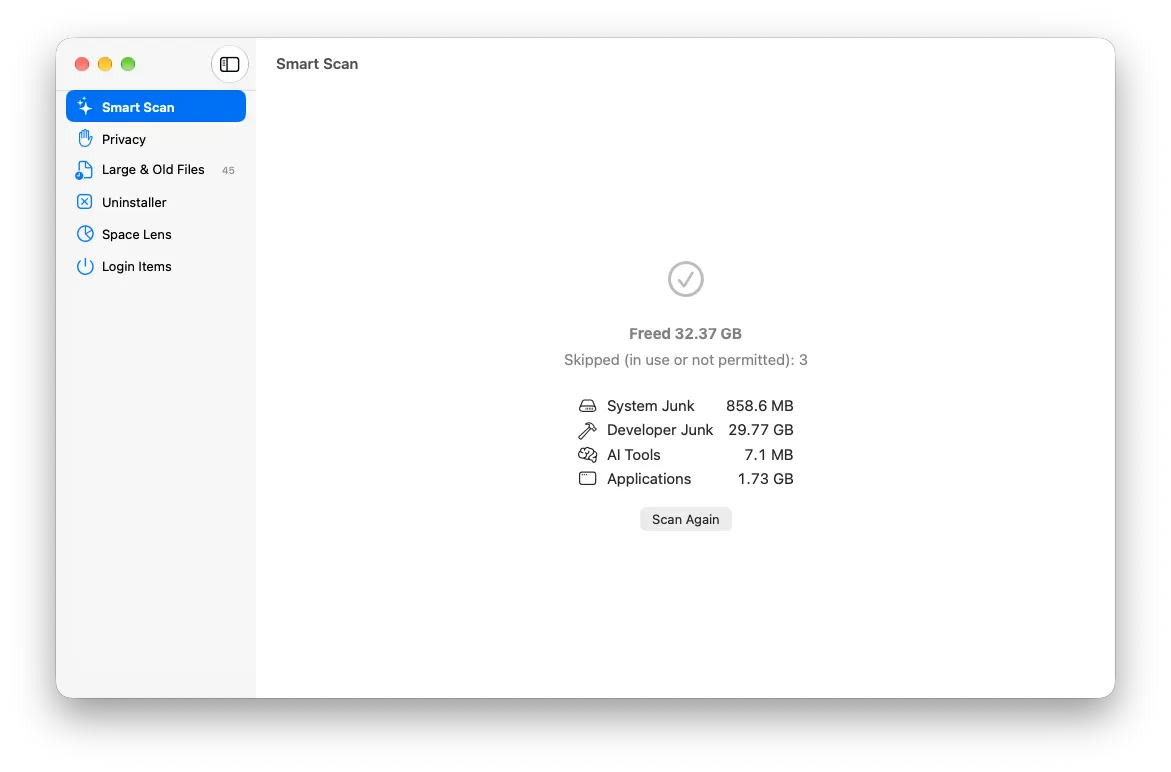
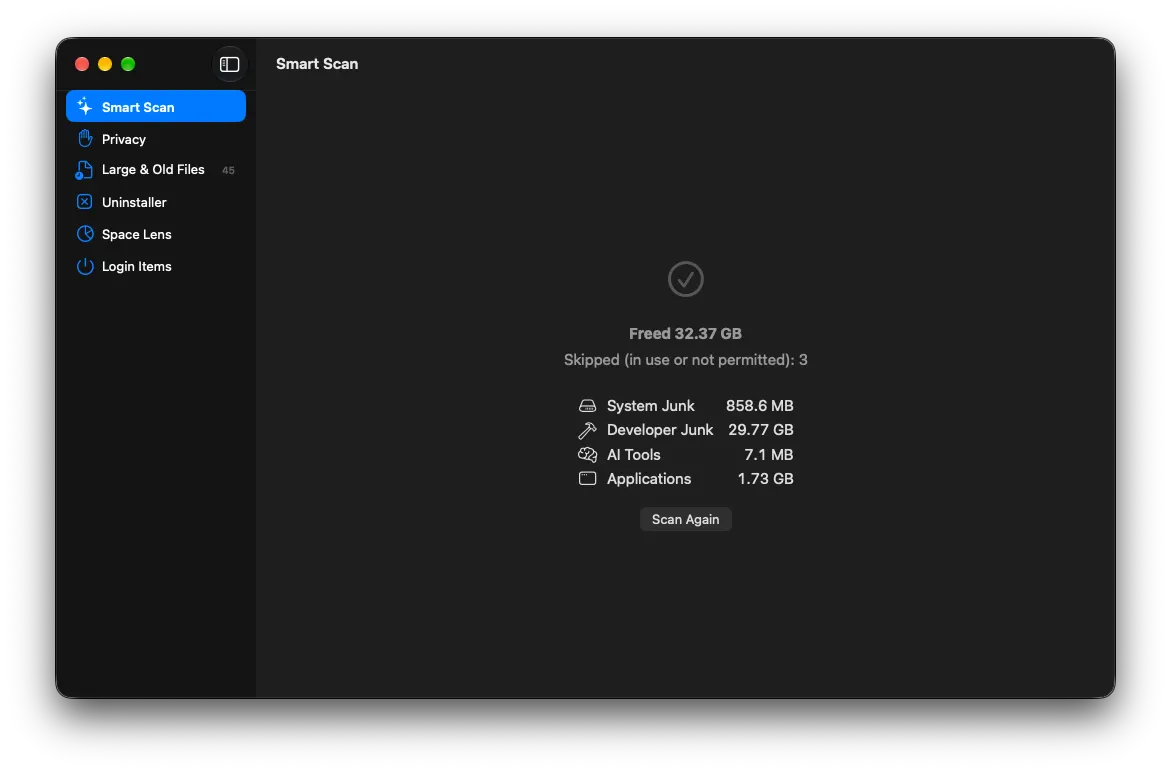
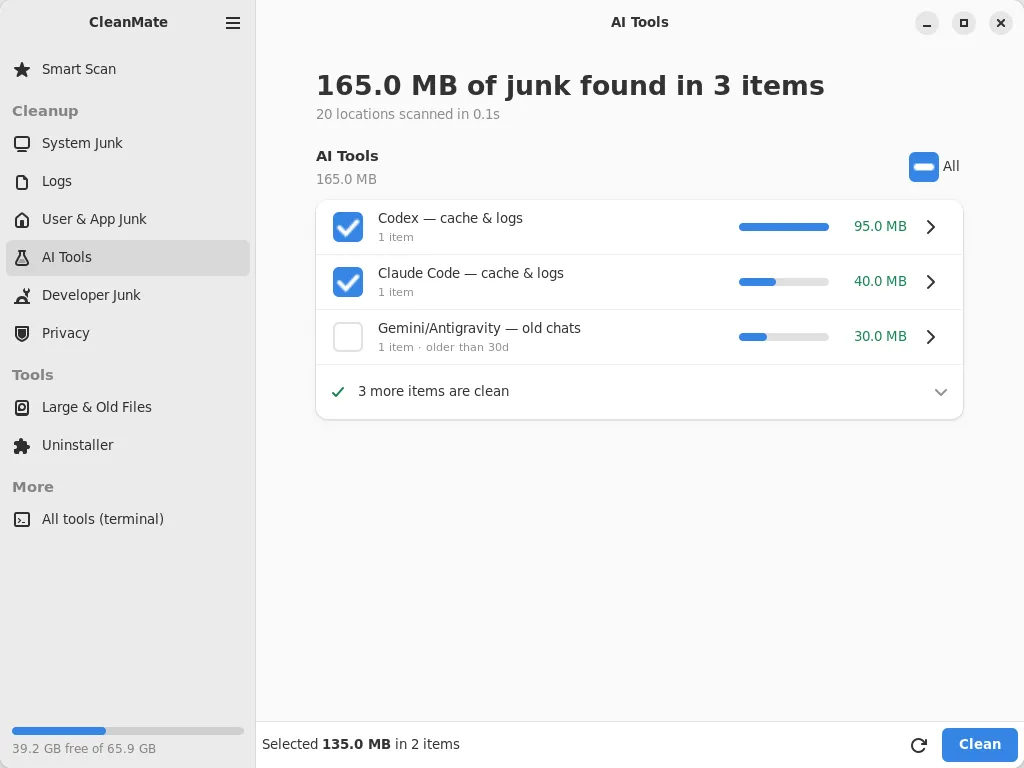
Old sessions, caches and logs of Claude Code, Codex, Gemini CLI, Copilot CLI, Cursor and more, plus each Ollama, LM Studio and Hugging Face model on its own. Often several gigabytes, never ticked for you.
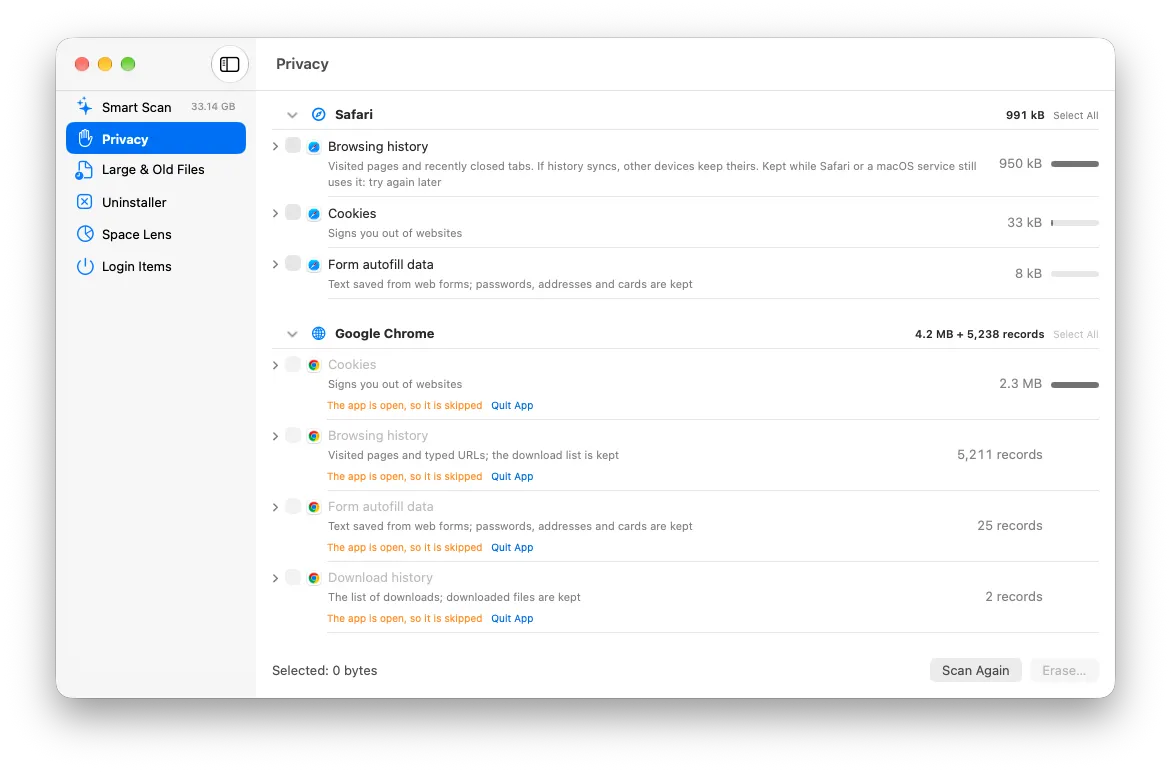
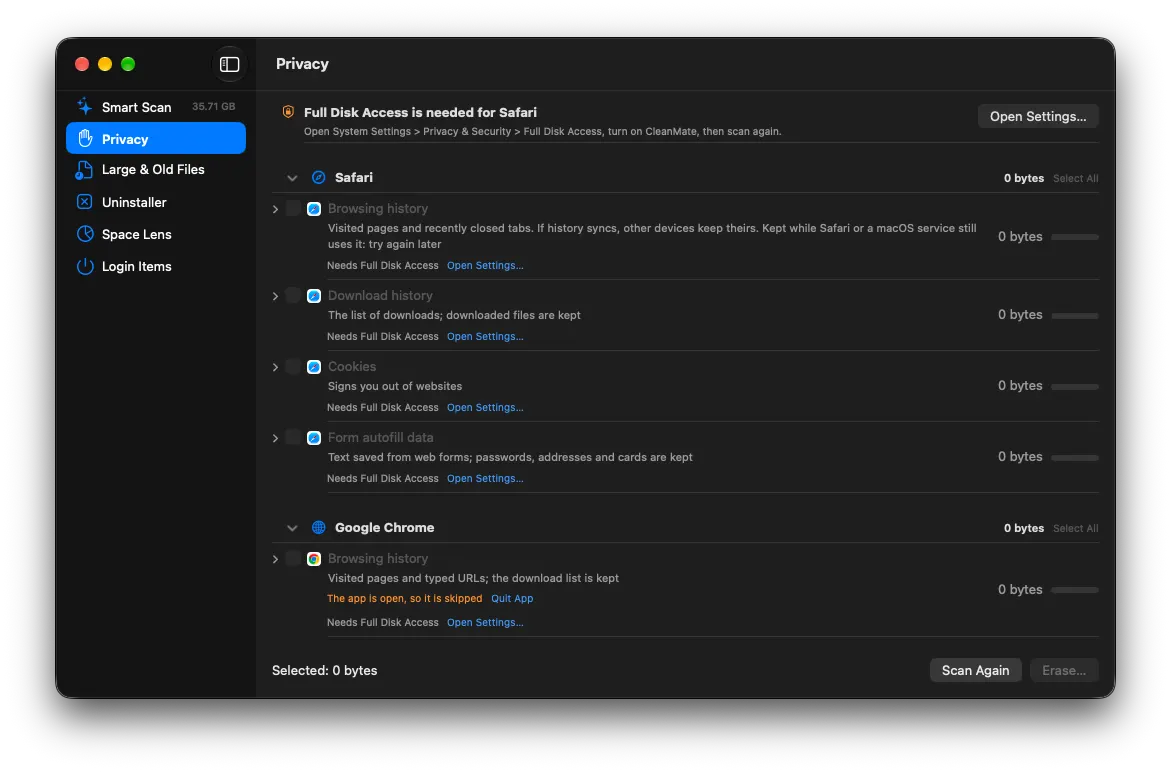
Browsing history, downloads, cookies and autofill for Safari, Chrome, Edge, Brave, Arc, Firefox and more, plus recent items and shell history. Nothing is ticked until you choose it.
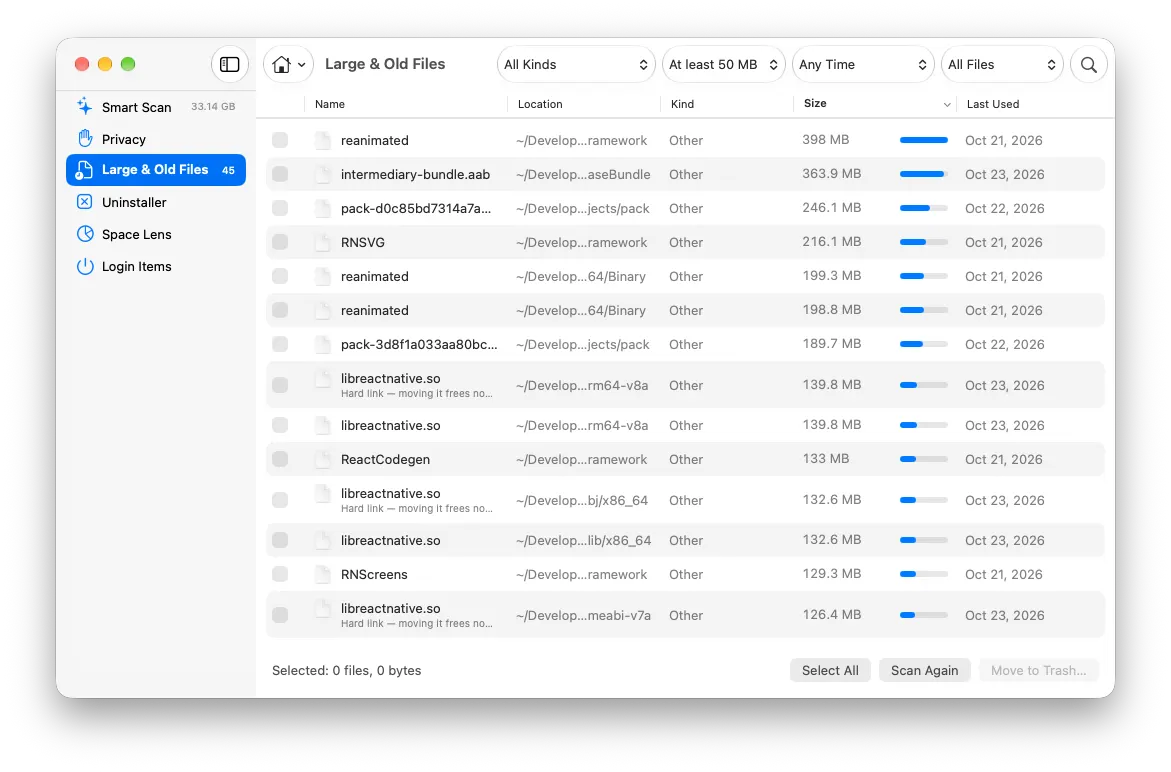
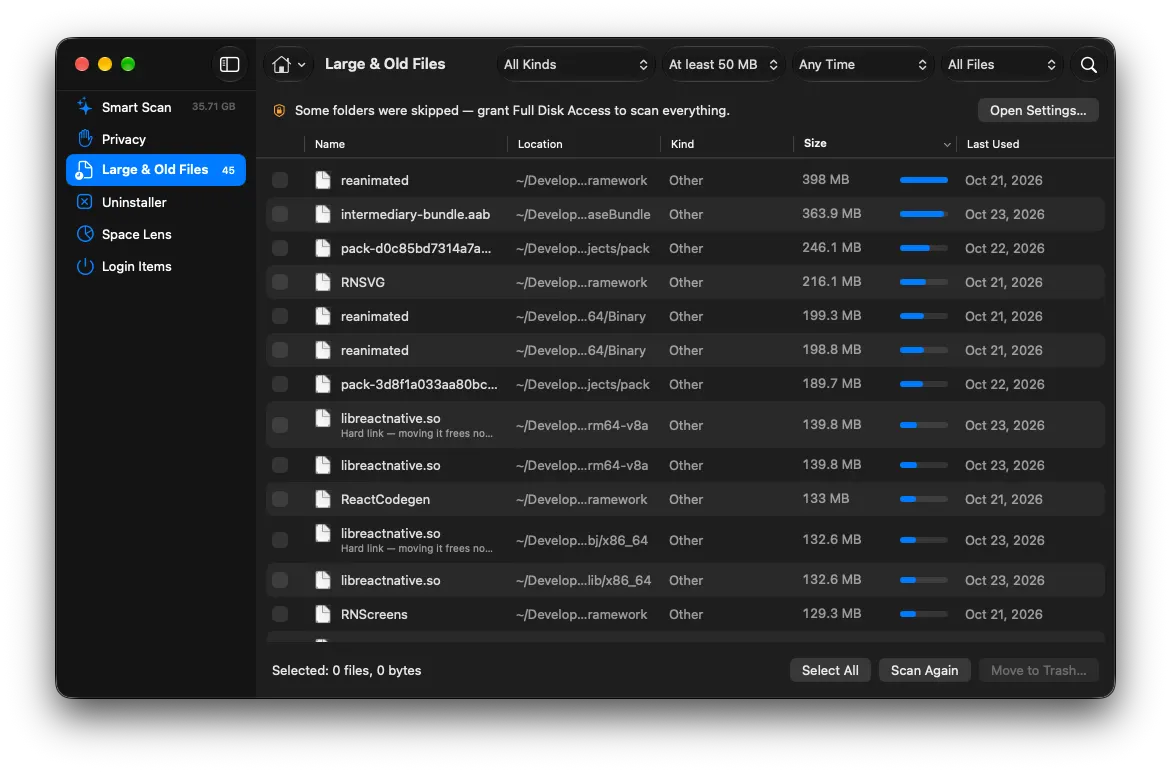
Find big or forgotten files in your home folder, a folder you pick or an external drive. Filter by size, age and kind, and spot exact duplicates.
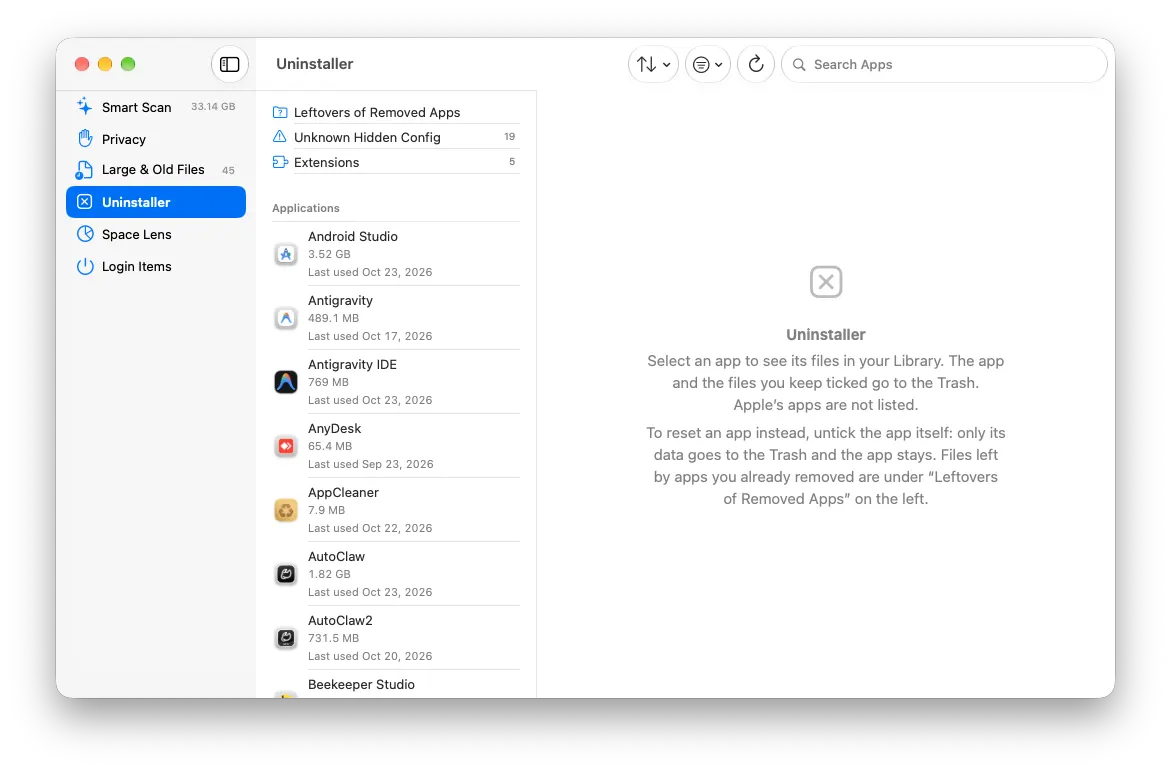
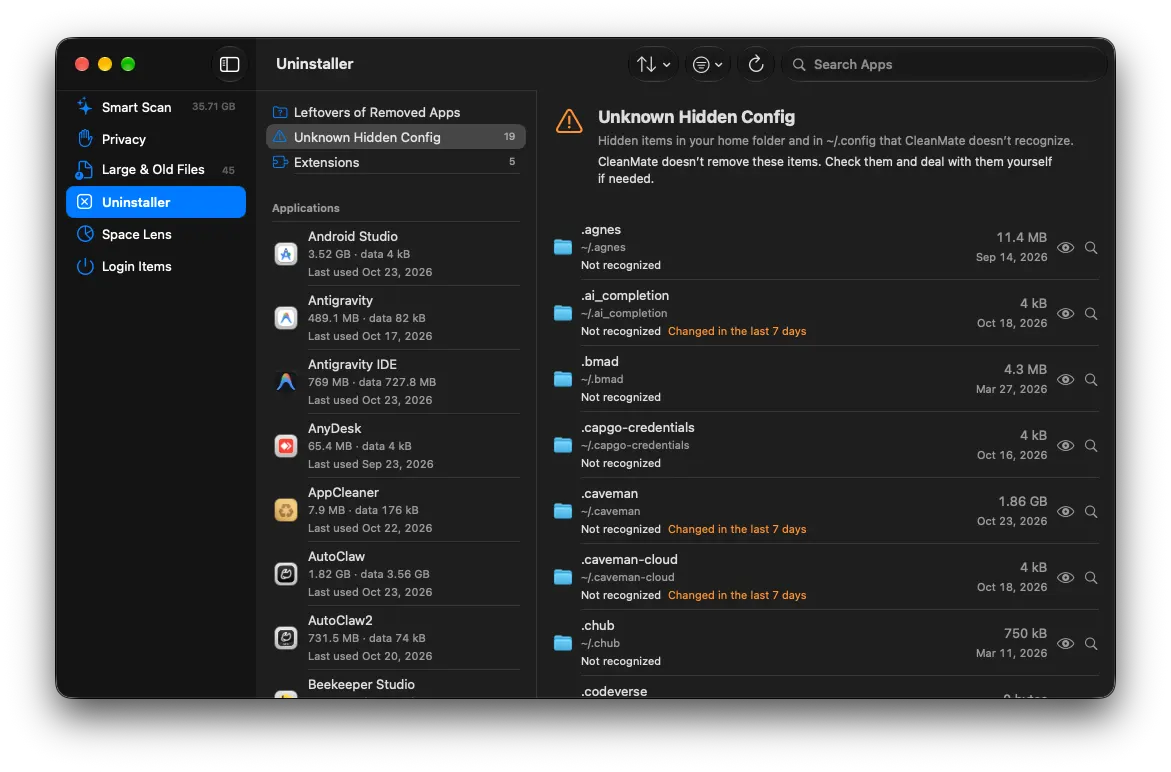
Remove apps together with their data, see when you last used each one, and find leftovers of apps you already deleted.
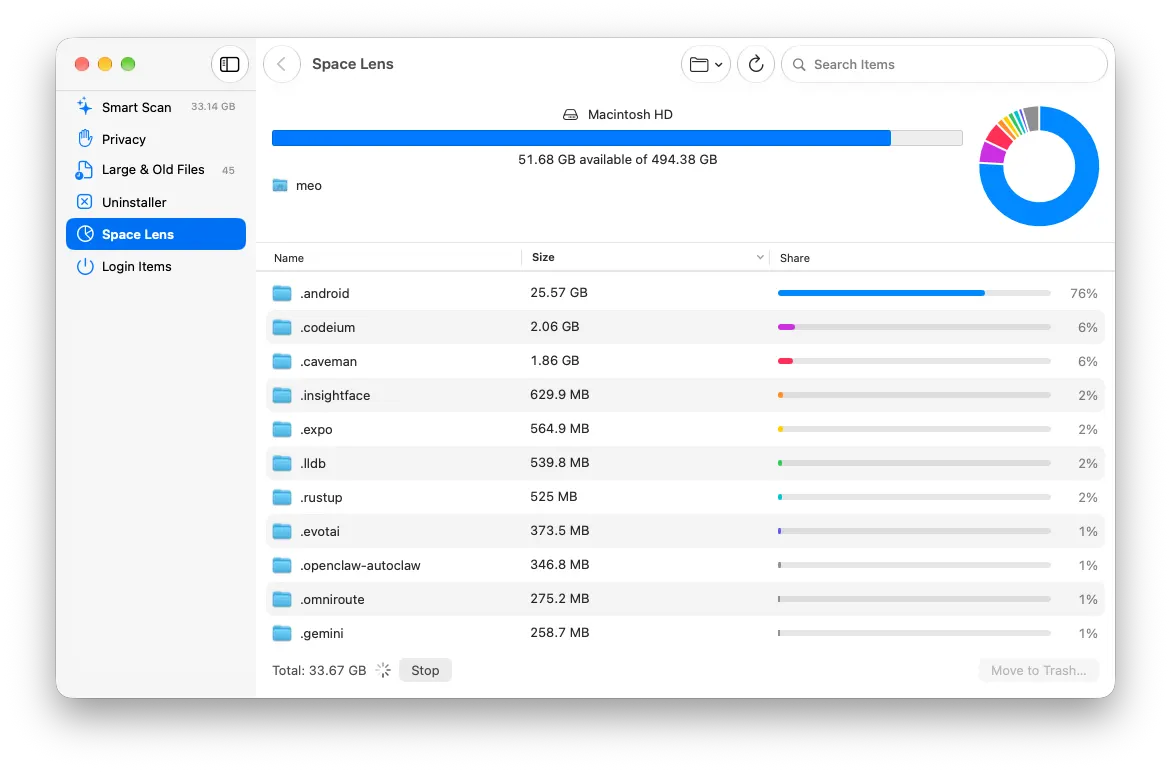
Browse any folder sorted by size with a chart of what fills it, drill down and move what you don’t need to the Trash.
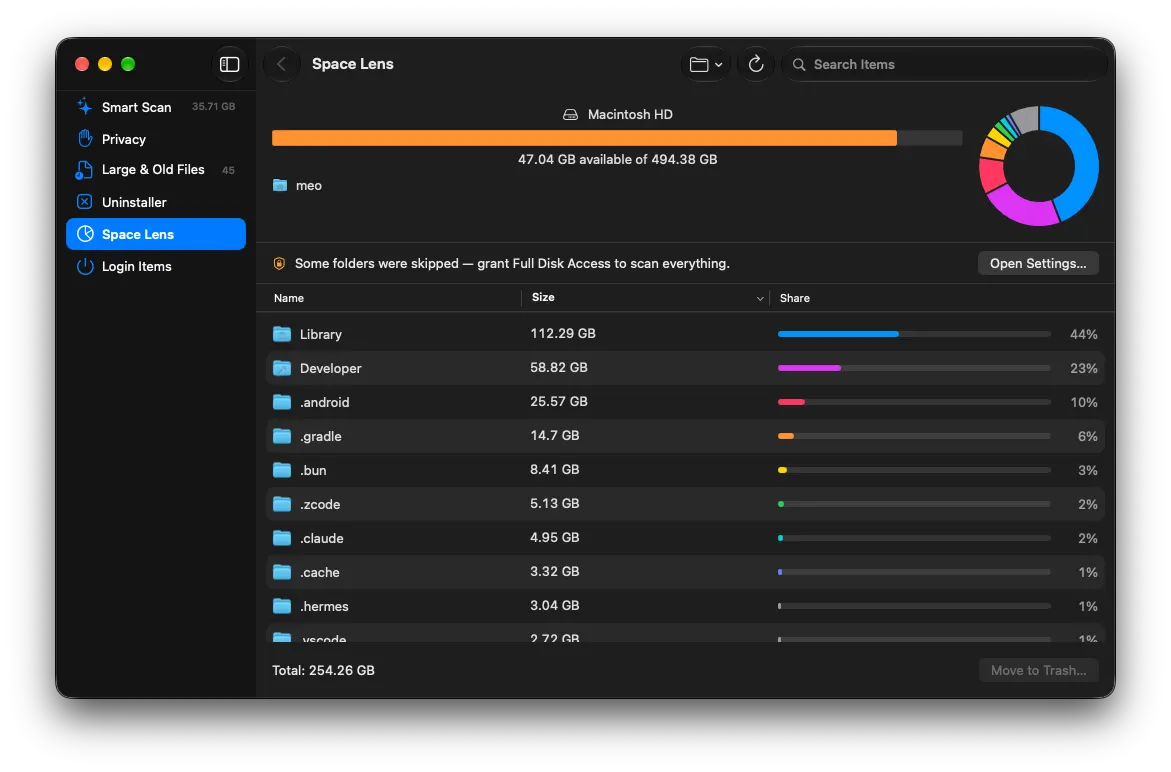
Free space on each drive, its trend over time, and how much CleanMate has freed.
Turn off or remove what starts when you log in.
Routine fixes in one place, from rebuilding Launch Services on a Mac to keeping old snap versions and system logs from piling up on Ubuntu.
CleanMate for Ubuntu follows the same safety rules and knows the places Linux hides junk: the APT cache, old kernels, old Snap revisions, the systemd journal, Flatpak and Docker.
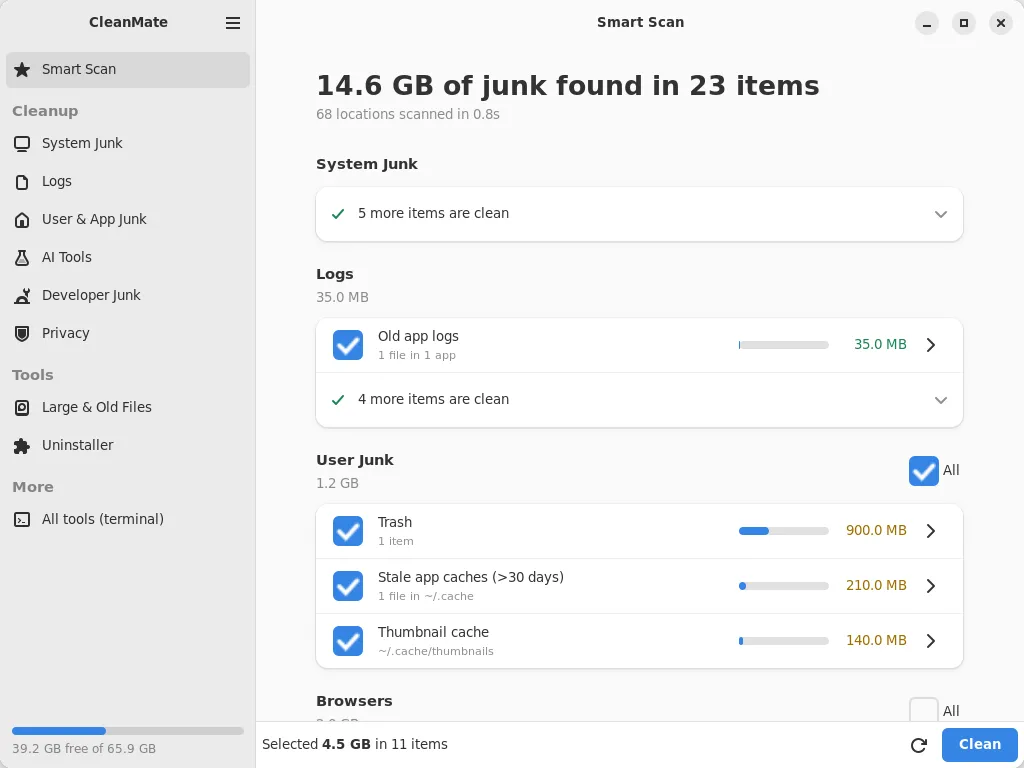
GTK 4 and libadwaita, at home on GNOME. System items use the standard password dialog; everything else runs as you.
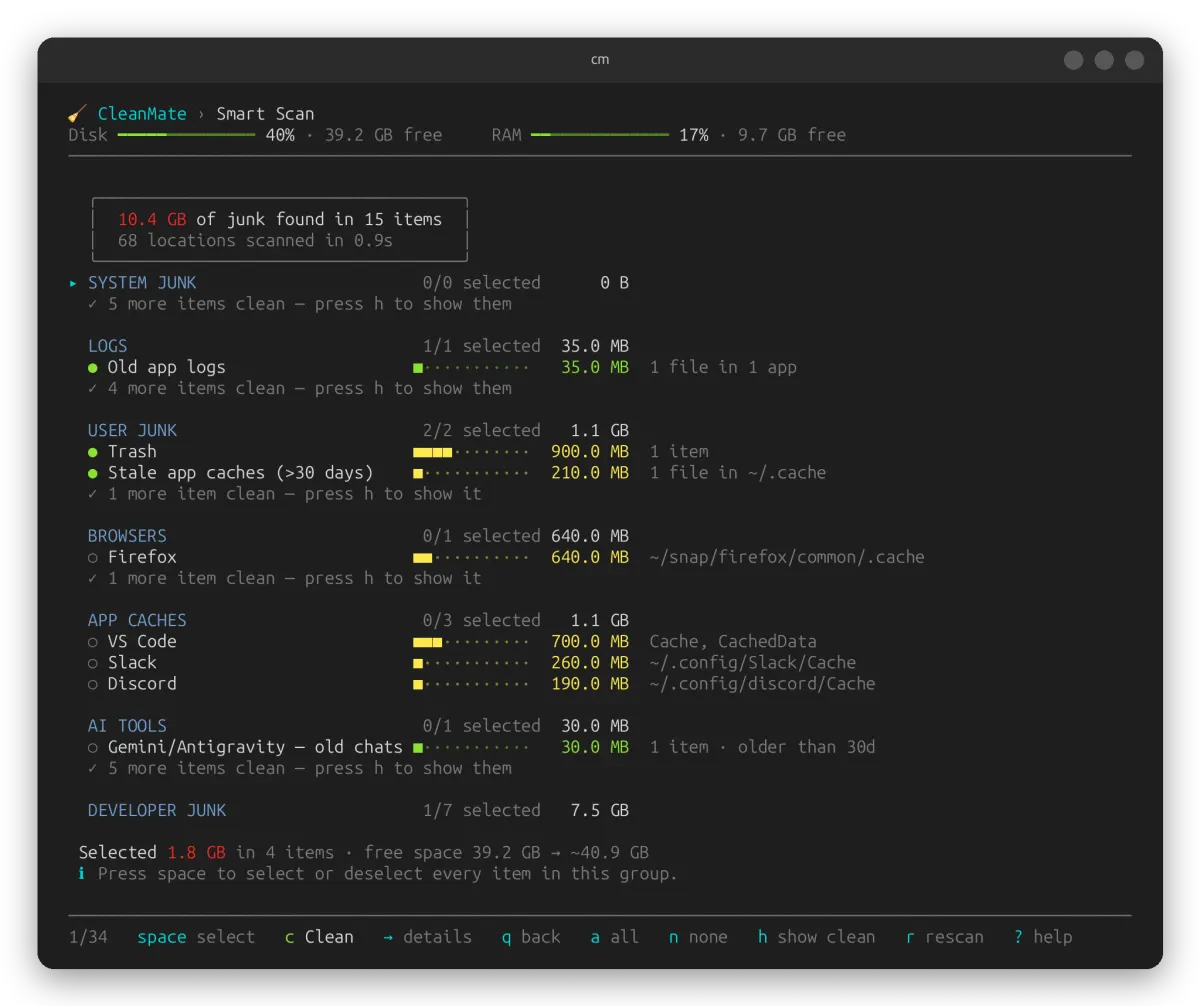
Type cm. Keyboard and mouse, search, undo, and a command line for scripts: cm --scan, cm --clean.
Every section shows what it found and how big it is. Nothing is removed until you confirm.
Caches and logs that apps rebuild are deleted. Your files and app data go to the Trash, so you can put them back.
Undo puts back what was just moved to the Trash, and an activity log records every removal.
No account, no analytics, no telemetry. The only connection is the update check, and you can turn it off.
Passwords, SSH and GPG keys, documents and photos are never touched, and system paths are blocked.
Apps that are open, and files a running program still uses, are left alone.
A native SwiftUI app, signed and notarized by Apple. It updates itself and asks first.
macOS 13 Ventura or later, Apple silicon or Intel.
A desktop app (GTK 4) and a terminal app (cm) that share one engine. Updates come through Software Updater.
Ubuntu 24.04 LTS from the PPA. Ubuntu 22.04 and other setups: the script below, no sudo needed.
From the PPA
sudo add-apt-repository ppa:homielab/cleanmate
sudo apt install cleanmate
Without sudo, in your home folder
curl -fsSLO https://raw.githubusercontent.com/homielab/cleanmate-linux/main/cleanmate.sh
bash cleanmate.sh --installThere are other good cleaners. Here is where CleanMate differs.
| Feature | CleanMate | CleanMyMac | BleachBit | OnyX |
|---|---|---|---|---|
| Price | Free | Paid | Free | Free |
| Open source | ✓ | – | ✓ | – |
| macOS | ✓ | ✓ | Experimental | ✓ |
| Ubuntu | ✓ | – | ✓ | – |
| App uninstaller | ✓ | ✓ | – | ✓ |
| Disk space map | ✓ | ✓ | – | – |
| Developer caches (npm, Docker, Gradle, Xcode…) | ✓ | With the CLI | A few | – |
| node_modules and build folders of idle projects | ✓ | With the CLI | – | – |
| AI coding tool data (Claude Code, Codex, Cursor…) | ✓ | With the CLI | Claude Code | – |
| Each downloaded AI model on its own (Ollama, LM Studio, Hugging Face) | ✓ | – | – | – |
| Runtime versions you no longer use (nvm, pyenv, rustup, SDKMAN…) | ✓ | – | – | – |
| Android emulator images and snapshots | ✓ | – | – | – |
| Old JetBrains and Android Studio versions left after an upgrade | ✓ | – | – | – |
From each app’s own website and documentation, October 2026; “With the CLI” means CleanMyMac CLI, MacPaw’s separate terminal tool. CleanMyMac is a trademark of MacPaw; BleachBit and OnyX belong to their authors.
Yes. CleanMate is open source under the MIT license: no subscription, no ads, no paid tier. You can read the code, build it yourself or contribute.
No, it is optional. With it, CleanMate can also read the Trash, Safari data and some app containers. You can grant it any time in System Settings › Privacy & Security › Full Disk Access.
The PPA serves Ubuntu 24.04 LTS. On 22.04 the install script gives you the terminal app; the desktop app needs 24.04 or later.
Yes. CleanMate runs the system’s own commands for them (apt-get clean, journalctl --vacuum-time, snap remove --revision). Packages download again if ever needed, and the snap version you run is never removed.
No. CleanMate is for macOS and Ubuntu.
No. CleanMate is an independent open-source project by HomieLab, not affiliated with MacPaw or CleanMyMac.